
Quick Answer: G00 vs G01 Explained Simply
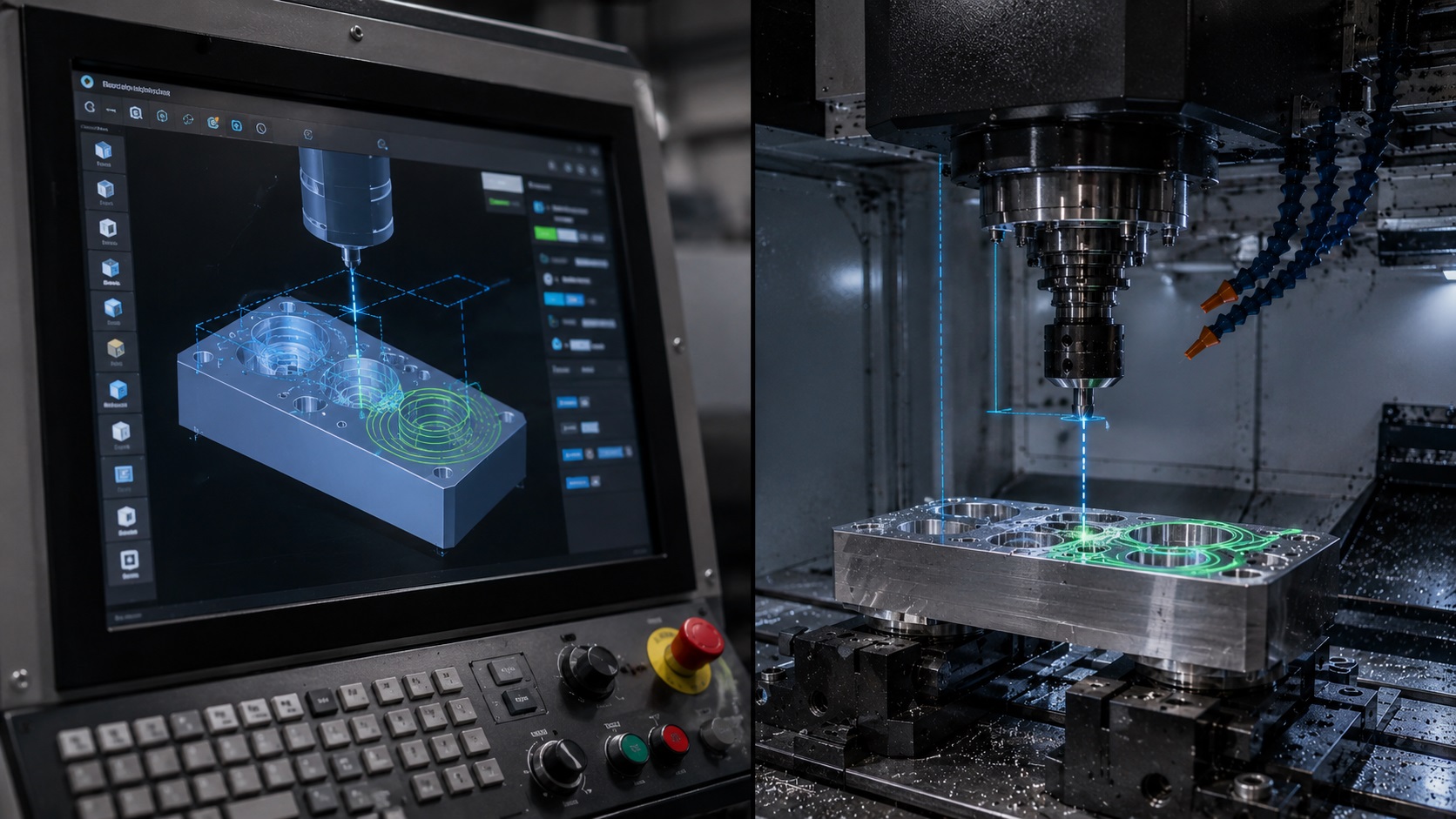
The main difference between G00 and G01 is movement control. G00 moves the CNC tool rapidly without cutting, while G01 moves the tool in a straight line at a programmed feed rate for cutting. G00 is mainly used for positioning, and G01 is used for controlled machining.
What Do G00 and G01 Mean in CNC Programming?
G00 and G01 are two of the most common G-code commands used in CNC machining. Both commands move the cutting tool from one position to another, but they do it for very different reasons.
CNC programming basics are easier to understand when G00 and G01 are seen as part of the larger G-code system, not isolated commands. If you are still building your foundation, it helps to review the broader CNC basics first so rapid moves, feed moves, offsets, and tool changes make more sense together.
G00 is a rapid positioning command. It tells the machine to move as fast as possible to a new position.
G01 is a linear interpolation command. It tells the machine to move in a straight, controlled path using a programmed feed rate.
That sounds simple, but this is one of those CNC basics that can cause serious problems if misunderstood. Many beginner CNC crashes happen because the programmer used G00 where G01 should have been used, or because the tool was not lifted to a safe clearance height before a rapid move.
In a real shop, G00 is not just “fast movement.” It is a movement that assumes the tool is not cutting anything. That assumption matters.
What Is G00 in CNC Machining?
G00 means rapid movement.
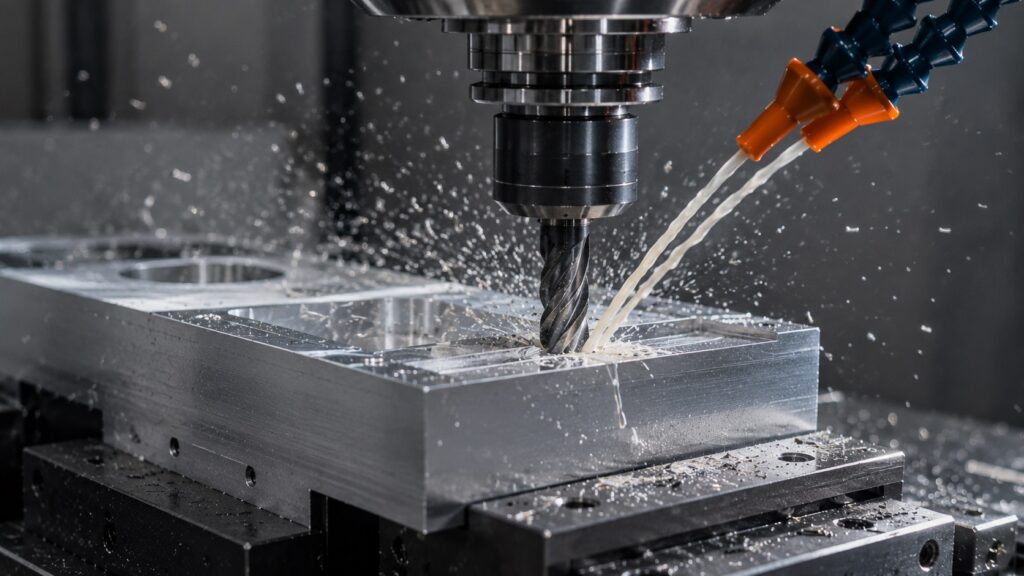
It is used when the tool needs to move quickly from one location to another without cutting material. For example, after a tool finishes one cut, the machine may use G00 to lift the tool and move to the next starting point.
Example:
G00 X2.000 Y1.000This tells the CNC machine to move rapidly to X2.000 Y1.000.
The important point is that G00 does not use the programmed cutting feed rate in the same way G01 does. The actual speed depends on the machine’s rapid traverse rate, controller settings, and machine limits.
G00 is one of the first commands beginners should learn because it controls non-cutting movement. For a broader reference of common commands, the G-code cheat sheet is useful when comparing rapid positioning, feed moves, canned cycles, and other basic CNC instructions.
On a small hobby CNC router, rapid movement may not look extremely aggressive. On a production VMC, G00 can move fast enough that a bad coordinate can turn into a crash almost instantly.
What Is G01 in CNC Machining?
G01 means linear movement at a controlled feed rate.
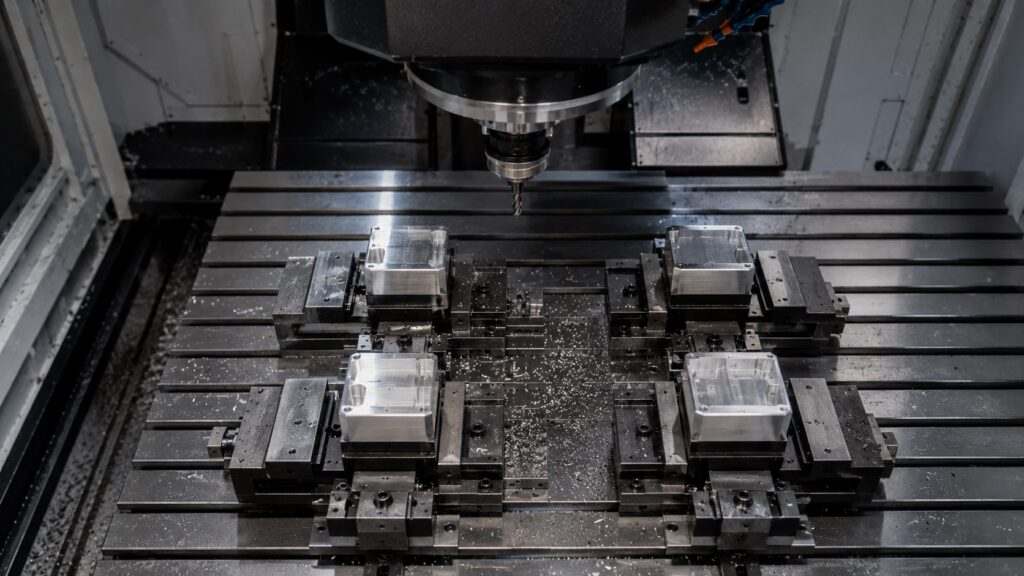
It is normally used when the tool is cutting material. The machine moves in a straight line from the current position to the programmed position while following the feed rate defined by the F command.
Example:
G01 X2.000 Y1.000 F10.0This tells the CNC machine to move in a straight line to X2.000 Y1.000 at a feed rate of 10 inches per minute.
G01 is used for operations like:
- profile cutting
- facing
- slotting
- contouring
- straight-line milling
- controlled drilling moves
- turning cuts on a lathe
If the tool is engaged with material, G01 is usually the safer and more controlled command.
G00 vs G01 Comparison Table
| Feature | G00 | G01 |
|---|---|---|
| Main purpose | Rapid positioning | Controlled cutting movement |
| Speed control | Machine rapid rate | Programmed feed rate |
| Uses F command? | Not normally for cutting feed | Yes |
| Cutting use | Should not cut material | Used for cutting |
| Path type | Rapid positioning path | Straight linear path |
| Risk level | High if clearance is wrong | Lower, more controlled |
| Common use | Moving above part | Machining material |
| Beginner mistake | Rapid move into stock or fixture | Forgetting feed rate |
How G00 and G01 Actually Work on a CNC Machine
The practical difference is simple:
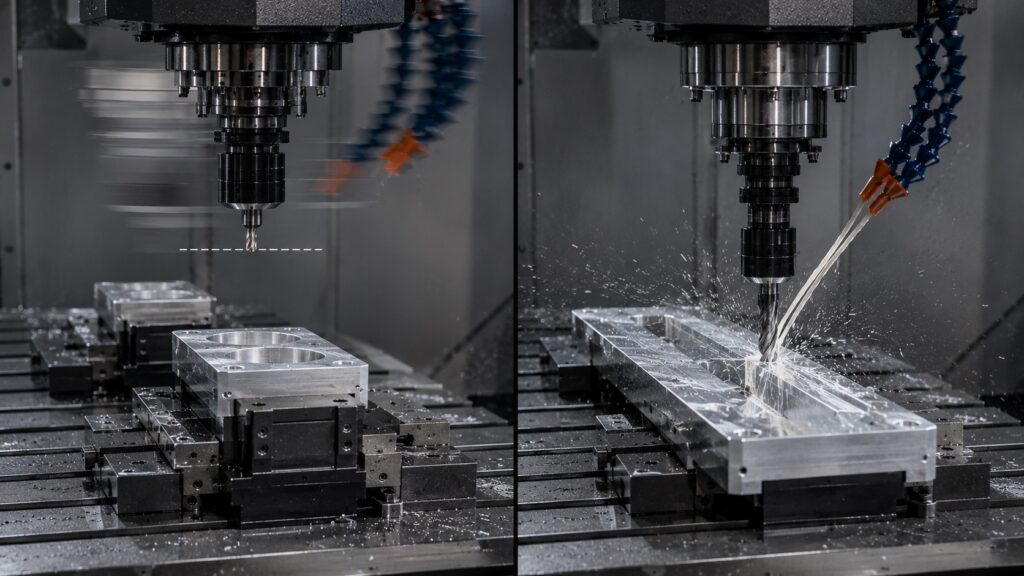
Use G00 when the tool is clear of the workpiece. Use G01 when the tool is cutting or feeding into material.
A common CNC sequence looks like this:
G00 Z0.500
G00 X1.000 Y1.000
G00 Z0.100
G01 Z-0.250 F5.0
G01 X3.000 F12.0
G00 Z0.500
Here is what happens:
The first G00 lifts the tool to a safe height.
The second G00 moves rapidly above the starting position.
The third G00 brings the tool close to the surface.
The G01 move feeds into the material at a controlled speed.
The next G01 performs the cut.
The final G00 retracts the tool away from the part.
This is a normal pattern in CNC programming: rapid above the part, feed into the material, cut under control, then retract rapidly.
Why G00 Moves Can Be Dangerous
G00 itself is not dangerous when used correctly. The danger comes from assuming the tool has enough clearance.
A rapid move into a vise jaw, clamp, workpiece, rotary fixture, or unfinished stock can damage:
- cutting tool
- spindle
- tool holder
- vise
- fixture
- part
- machine axes
In many shops, the first thing an experienced operator checks is not the beautiful cutting path. It is the rapid movement before and after the cut.
That is where crashes often happen.
A tool moving slowly in G01 may still cause damage, but the operator has more time to react. A wrong G00 move can be over before your hand reaches the feed hold button.
Does G00 Always Move in a Straight Line?
This is an important detail.
Many beginners imagine G00 as a straight-line move from point A to point B. On some machines it may appear that way, but you should not blindly rely on that assumption.
Many G00 and G01 problems are not caused by the commands themselves, but by modal confusion, unsafe Z clearance, wrong feed rates, or incorrect work offsets. These same issues appear in many common CNC programming errors, especially when a program is edited quickly without being simulated or dry-run first.
Depending on the CNC controller and machine configuration, rapid moves may not always behave like a controlled linear cutting move. Axes may reach their target positions at different times.
That means the tool can travel through a path you did not visually expect.
For safe programming, do not use G00 close to clamps, stock, shoulders, walls, or fixture features unless the clearance path is obvious.
A better habit is:
G00 Z1.000
G00 X2.000 Y3.000
Instead of:
G00 X2.000 Y3.000 Z1.000Moving Z up first creates a safer clearance move before XY positioning.
When Should You Use G00?
Use G00 for non-cutting positioning moves.
Good uses include:
- moving to the start point of a cut
- retracting the tool after a cut
- moving between machining features
- returning to a safe height
- moving to tool change position
- positioning above a hole before drilling
Example:
G00 Z0.750
G00 X4.000 Y2.000
This moves the tool safely above the part, then rapidly positions it over the next location.
In practical CNC programming, G00 should almost always happen at a safe Z height unless you have a very specific reason to do otherwise.
When Should You Use G01?
Use G01 when the tool must move in a controlled straight path.
Good uses include:
- feeding into material
- cutting a slot
- machining a straight edge
- profiling a part
- turning a diameter
- cutting a shoulder
- controlled approach moves
- finishing passes
Example:
G01 Z-0.125 F4.0
G01 X2.500 F15.0
The first line feeds into the material slowly.
The second line cuts across the part at a controlled feed rate.
G01 gives the programmer control over how aggressively the tool enters and moves through the material.
G00 and G01 CNC Program Example
Here is a simple CNC milling example:
G90 G54
G00 Z1.000
G00 X0.500 Y0.500
S3000 M03
G00 Z0.100
G01 Z-0.250 F5.0
G01 X3.000 F12.0
G01 Y2.000
G01 X0.500
G01 Y0.500
G00 Z1.000
M05
M30
In this example, G90 tells the machine to use absolute positioning, which is important because the same G00 or G01 move can behave very differently under incremental positioning. This is why understanding absolute vs incremental CNC positioning is essential before editing real programs.
What this program does:
- uses G90 absolute positioning
- uses G54 work offset
- moves rapidly to safe Z
- rapidly positions above the start point
- starts the spindle
- moves close to the part
- feeds into the cut using G01
- cuts a rectangular path
- retracts rapidly after cutting
This is the basic logic behind many CNC programs.
Common G00 and G01 Mistakes Beginners Make
Using G00 to Plunge Into Material
This is one of the worst mistakes.
Example of a dangerous move:
G00 Z-0.250If the tool is above the part, this tells the machine to rapid straight down into the workpiece. That can break the tool instantly.
Correct approach:
G00 Z0.100
G01 Z-0.250 F5.0
Rapid close to the part, then feed into the material slowly.
Forgetting to Set a Feed Rate with G01
G01 depends on feed rate.
Example:
G01 X2.000This may use the last active feed rate. If that feed rate came from a previous operation, it may be too fast or too slow.
Better:
G01 X2.000 F12.0In production work, relying too much on old modal values can create inconsistent results, especially when programs are edited by multiple people.
Moving in G00 Without Safe Z Clearance
A common unsafe pattern:
G00 X4.000 Y2.000If the tool is still low in the part, this can drag the cutter across the workpiece or hit a clamp.
Safer pattern:
G00 Z1.000
G00 X4.000 Y2.000
The tool retracts first, then moves across the part.
Treating G00 Like a Faster Version of G01
G00 is not simply “G01 but faster.”
G01 is a controlled feed movement.
G00 is rapid positioning.
That distinction matters because G01 is designed for controlled tool engagement, while G00 assumes the tool is clear.
How Professional CNC Operators Handle Rapid Moves
When reviewing CNC code, experienced machinists often scan for:
- first tool movement after tool change
- rapid moves near the workpiece
- Z clearance before XY motion
- approach position before cutting
- retract move after cutting
- fixture and clamp clearance
- wrong work offset
- wrong tool length offset
A cut may look perfect in the toolpath, but one bad rapid move can ruin the setup before the actual machining starts.
This is why dry runs, graphics simulation, single block mode, and reduced rapid override are so useful.
On a new program, many operators reduce the rapid override and watch the first run carefully. Not because they do not trust the program, but because real setups have clamps, stock variation, tool stickout, and workholding details that software does not always represent perfectly.
Using G00 and G01 in CNC Milling
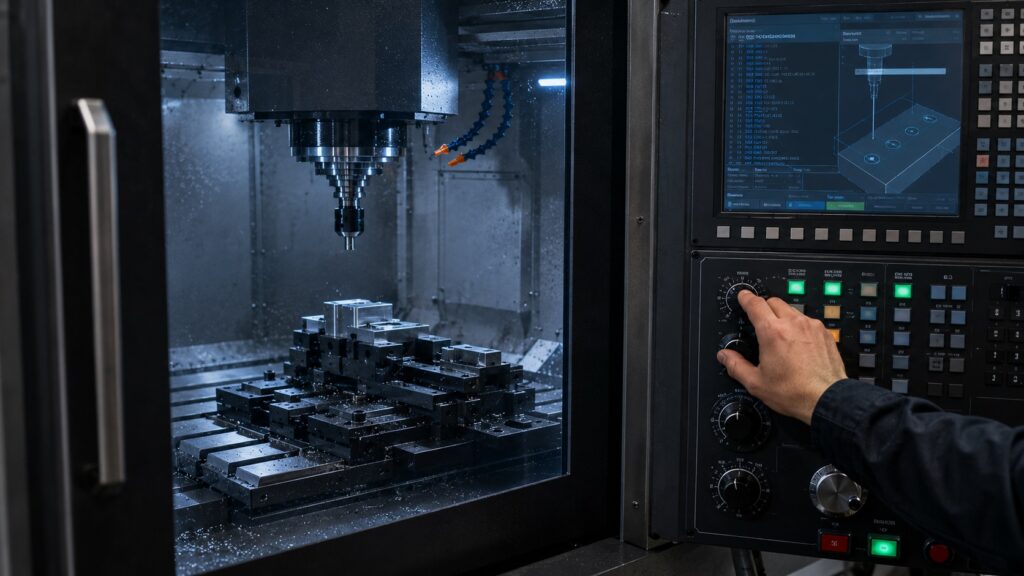
In milling, G00 is mostly used for positioning above the part, while G01 is used for straight cutting moves.
Example milling use:
G00 X1.000 Y1.000
G00 Z0.100
G01 Z-0.200 F4.0
G01 X3.000 F10.0
The G00 lines position the tool.
The G01 lines feed into the material and cut.
For milling, the biggest concern with G00 is clearance. End mills, vises, clamps, parallels, and fixtures create many possible collision points.
In milling, the difference between a rapid positioning move and a controlled cutting move becomes more obvious once the tool starts removing material. This connects closely with general CNC machining principles, where toolpath control, feed rate, rigidity, and workholding all affect the final result.
Using G00 and G01 in CNC Turning
On a CNC lathe, G00 and G01 are also used differently.
G00 rapidly positions the tool near the workpiece.
G01 feeds the tool along the programmed cutting path.
Example:
G00 X1.100 Z0.100
G01 Z-1.000 F0.008
The G00 move positions the tool near the stock.
The G01 move feeds along the Z-axis to cut.
On lathes, rapid positioning errors can be especially serious because the workpiece is rotating. A wrong X or Z rapid move can crash the insert, holder, turret, or chuck.
G00 and G01 are also important on lathes, especially when rapid moves happen near the chuck or rotating stock. If someone is learning the career side of CNC work, understanding these motion commands is part of becoming a capable CNC machinist or programmer.
Does G00 Use Feed Rate?
In normal CNC programming, G00 does not use the programmed cutting feed rate like G01 does.
G00 uses the machine’s rapid traverse capability. The actual rapid speed depends on the machine, controller, axis limits, rapid override setting, and machine parameters.
G01 uses the F command.
Example:
G01 X2.000 F10.0Here, F10.0 controls the feed rate.
With G00, this is not how cutting feed is controlled:
G00 X2.000The machine will rapid to the position based on its rapid settings.
Understanding Modal Behavior in G00 and G01
G00 and G01 are modal commands.
That means once one is active, it stays active until another motion command from the same group replaces it.
Example:
G01 X1.000 F10.0
X2.000
X3.000
The second and third moves are still G01 moves because G01 remains active.
Same with G00:
G00 Z1.000
X2.000 Y2.000
The second line is still a G00 rapid move.
This is useful, but it can also create mistakes if the programmer forgets which mode is active.
For beginner-friendly code, writing G00 and G01 more explicitly can make the program easier to read and safer to review.
The Simplest Way to Remember G00 vs G01
A practical way to remember the difference:
G00 = go there fast, but only when clear.
G01 = go there under control, usually while cutting.
That rule is not fancy, but it prevents a lot of beginner mistakes.
If the tool is near material, clamps, or fixtures, think carefully before using G00.
Troubleshooting Common G00 and G01 Problems
| Problem | Likely Cause | Fix |
|---|---|---|
| Tool crashes into stock | G00 used instead of G01 | Use G01 for feed-in moves |
| Tool drags across part | No safe Z retract | Add safe clearance before XY rapid |
| Feed is too fast | Wrong or inherited F value | Program feed rate clearly |
| Machine moves unexpectedly | Modal G00/G01 confusion | Restate motion commands clearly |
| Tool hits clamp | Rapid path too low | Raise Z before positioning |
| Poor surface finish | Feed rate too aggressive | Adjust G01 feed rate |
| Broken tool on entry | Rapid plunge or poor approach | Use controlled ramp or feed move |
Best Practices for Safe G00 and G01 Programming
Use these habits to make CNC programs safer:
- retract to a safe Z before rapid XY moves
- use G01 for any move into material
- define feed rates clearly
- check modal motion commands
- simulate the program before running
- use single block on first run
- reduce rapid override during prove-out
- verify work offset and tool length offset
- check clamp and fixture clearance
- avoid diagonal rapid moves near obstacles
The most important habit is simple: never assume a rapid move is safe just because the code looks short.
Frequently Asked Questions About G00 and G01
What is the main difference between G00 and G01?
G00 is used for rapid positioning, while G01 is used for controlled straight-line movement at a programmed feed rate. G00 is normally used when the tool is not cutting, and G01 is used when the tool is cutting or feeding into material.
Is G00 faster than G01?
Yes, G00 is usually much faster because it uses the machine’s rapid traverse rate. G01 moves at the programmed feed rate, which is usually slower and controlled for cutting.
Can G00 be used for cutting?
G00 should not be used for cutting. It can move too fast and may break the tool, damage the part, or crash the machine. Use G01 for cutting moves.
Does G01 need a feed rate?
Yes, G01 should use a feed rate with the F command. If no new feed rate is programmed, the machine may use the previous active feed rate.
Is G00 always a straight-line move?
Not always in the same controlled way as G01. Some machines may move axes differently during rapid positioning. For safety, avoid relying on G00 for close-clearance moves near fixtures or stock.
Should I use G00 or G01 to plunge into material?
Use G01 to plunge into material. A typical safe approach is to use G00 to move close to the surface, then use G01 with a controlled feed rate to enter the cut.
Final Thoughts on G00 vs G01 CNC Commands
G00 and G01 are simple commands, but they control one of the most important parts of CNC programming: how the tool moves.
Use G00 for rapid positioning when the tool is clear. Use G01 for controlled cutting movement at a programmed feed rate.
Most mistakes happen when the programmer treats G00 like a harmless shortcut. In real machining, rapid moves deserve respect. A safe retract, a clear approach path, and a controlled feed move can prevent broken tools, damaged parts, and expensive crashes.