
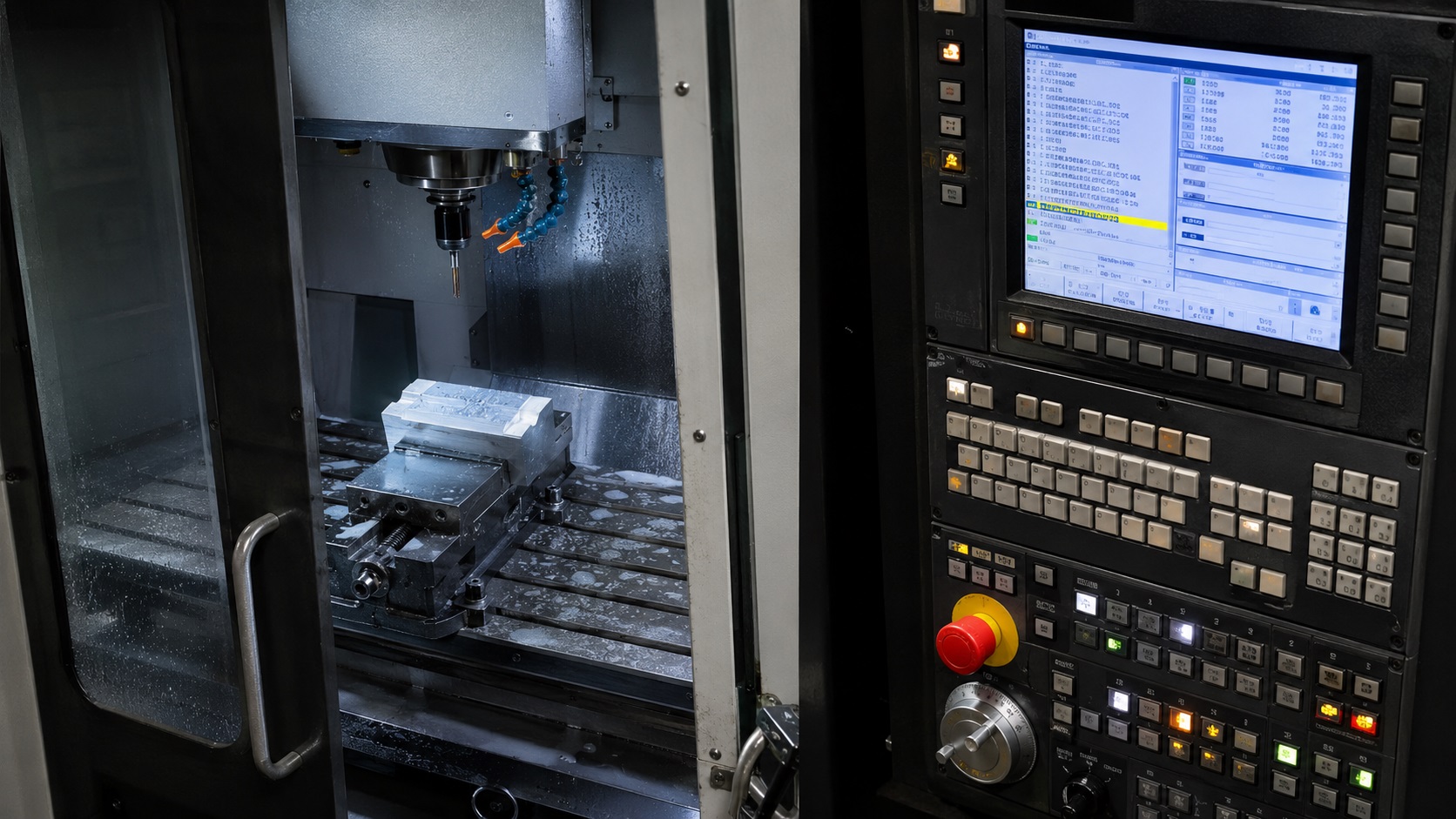
Quick Answer: G90 vs G91 in CNC Programming
Absolute positioning (G90) moves the machine to an exact coordinate based on the active work offset or part zero. Incremental positioning (G91) moves the machine a specific distance from its current location. Most CNC programs primarily use G90 for predictable positioning, while G91 is commonly used for repetitive moves, canned cycles, and relative positioning operations.
If you spend enough time around CNC machines, sooner or later you’ll hear someone ask:
“Is that move in G90 or G91?”
And in real machine shops, that question matters a lot more than beginners realize.
One incorrect positioning mode can send a tool straight into a vise, fixture clamp, probe, rotary axis, or finished surface surprisingly fast. From real shop experience, G90/G91 confusion is one of the most common causes of beginner crashes — especially when operators mix CAM-generated code, MDI commands, and manual edits without checking the active coordinate mode first.
The confusing part is that both systems are technically simple once you understand how the machine interprets coordinates internally.
The hard part is learning when each method is safer, faster, or more practical in actual production machining.
What Is Absolute Positioning in CNC?
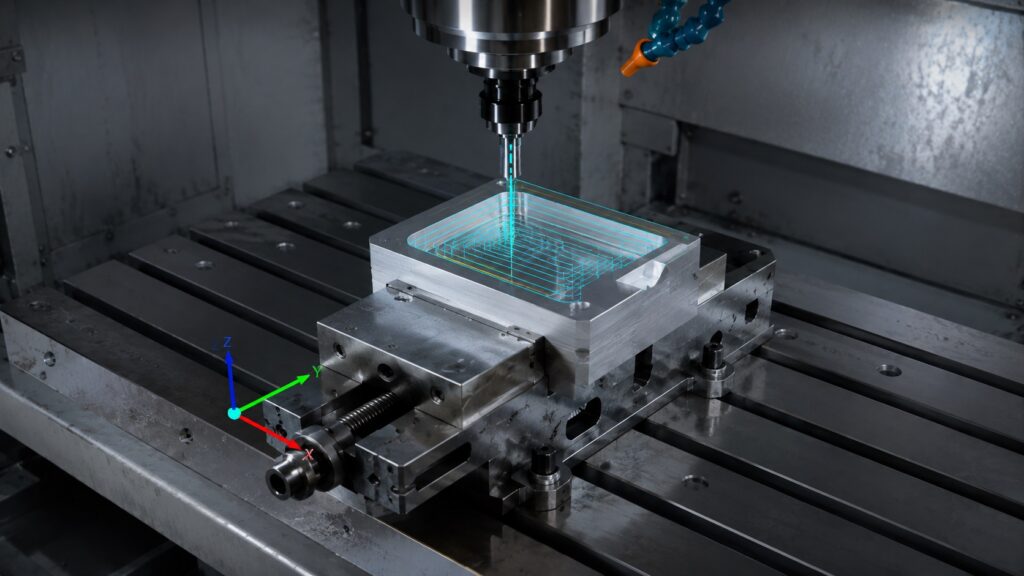
Absolute positioning means every coordinate references a fixed origin point.
In CNC machining, that origin is usually:
If you’re still learning how work offsets and machine coordinates interact, understanding the basics of CNC machining basics helps make G90 positioning logic much easier to visualize.
- work offset zero
- fixture offset location
- part datum
- probing origin
- setup reference point
Most CNC controls activate absolute positioning using:
G90
When G90 is active:
- every coordinate is tied to the same zero point
- previous moves do not affect the next location
- the control calculates the final destination automatically
Example:
G90
G00 X0. Y0.
G01 X2.000 Y1.000 F20.
The machine interprets this as:
- move directly to X2.000
- move directly to Y1.000
- relative to the active work coordinate system
Even if the cutter starts somewhere completely different inside the machine envelope, the destination stays fixed.
Why Most CNC Programs Use G90
In real production environments, most full programs are written primarily in G90 because:
- coordinates match engineering drawings
- setup verification is easier
- restart recovery is safer
- proving out new programs becomes more predictable
- dimensional inspection is simpler
If a print calls for a hole at:
- X4.250
- Y2.500
then absolute programming allows the machinist to verify location instantly without doing additional math.
That becomes especially important during:
Many setup and restart problems happen because operators misunderstand work offsets, tool length offsets, or machine position recovery after CNC programming errors.
- first article inspection
- manual code edits
- mid-cycle recovery
- crash troubleshooting
- fixture offset adjustments
Absolute Positioning Advantages
| Advantage | Why It Matters |
|---|---|
| Easier troubleshooting | Coordinates always reference the same origin |
| Safer restart recovery | Easier to restart mid-program |
| Better for complex geometry | Lower cumulative error risk |
| Easier print verification | Matches blueprint dimensions directly |
| Cleaner CAM output | Most post processors default to G90 |
| Lower crash risk | Easier for operators to visualize movement |
What Is Incremental Positioning?
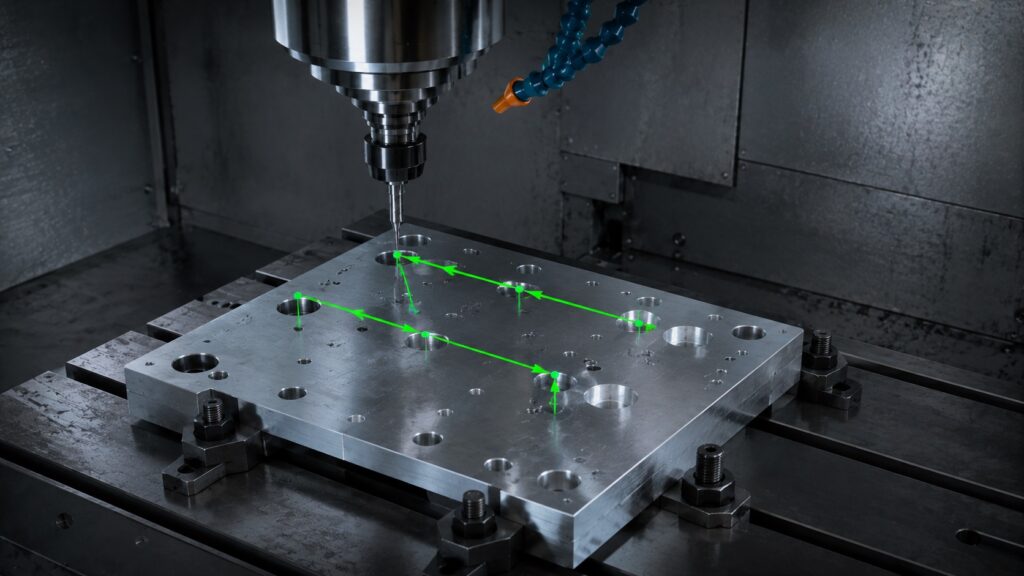
Incremental positioning works differently.
Instead of moving to a fixed coordinate, the machine moves a distance from its current location.
Most CNC controls activate incremental positioning using:
G91
Example:
G91
G01 X1.000
This does NOT mean:
- move to X1.000
It means:
- move 1 inch in the positive X direction from the current position
That distinction is critical.
Incremental Positioning Is Distance-Based
A good way to think about it:
- G90 uses coordinates
- G91 uses movement distances
Absolute positioning says:
“Go to this exact location.”
Incremental positioning says:
“Move this far from where you currently are.”
That makes G91 extremely useful for:
- repeating hole patterns
- subprogram loops
- step-over toolpaths
- peck drilling
- canned cycles
- engraving passes
- bolt circle patterns
Real CNC Example of Incremental Movement
Suppose the cutter is currently located at:
X2.000 Y3.000You command:
G91
G01 X1.000
The machine moves to:
X3.000 Y3.000If you repeat the same command:
G01 X1.000the machine now moves to:
X4.000 Y3.000Every movement builds from the previous location.
That’s why incremental positioning can become dangerous if the machine loses track of where it actually is.
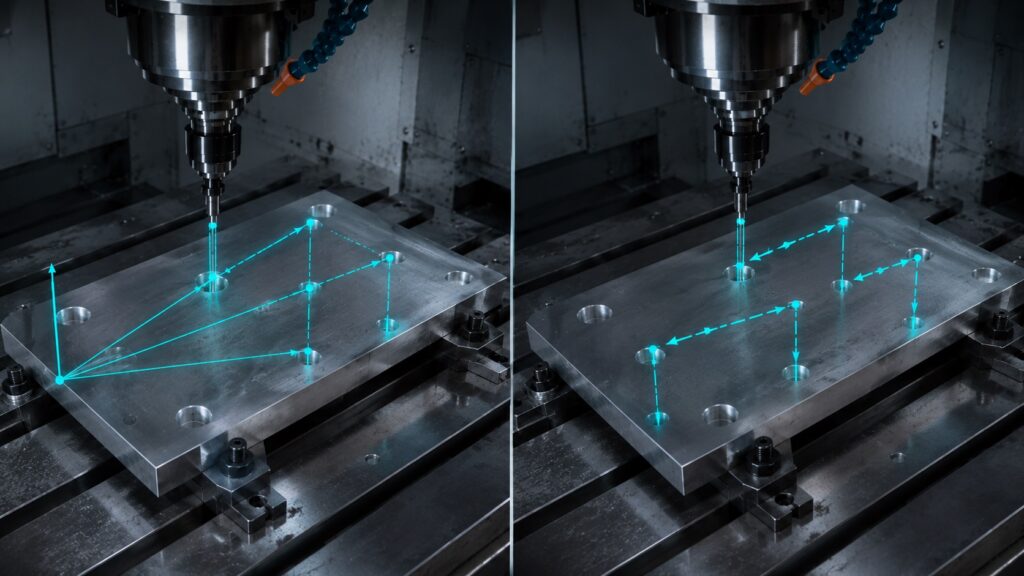
Absolute vs Incremental CNC Positioning Comparison
| Feature | Absolute Positioning (G90) | Incremental Positioning (G91) |
|---|---|---|
| Reference Point | Work offset zero | Current machine position |
| Coordinate Logic | Fixed destination | Relative movement |
| Best for Beginners | Yes | Usually harder |
| Best for Production Programs | Excellent | Limited |
| Best for Repeating Moves | Moderate | Excellent |
| Restart Safety | Better | Riskier |
| Error Accumulation | Lower | Higher |
| CAM Compatibility | Standard | Used selectively |
| Operator Visualization | Easier | Harde |
Why G91 Causes CNC Crashes So Often
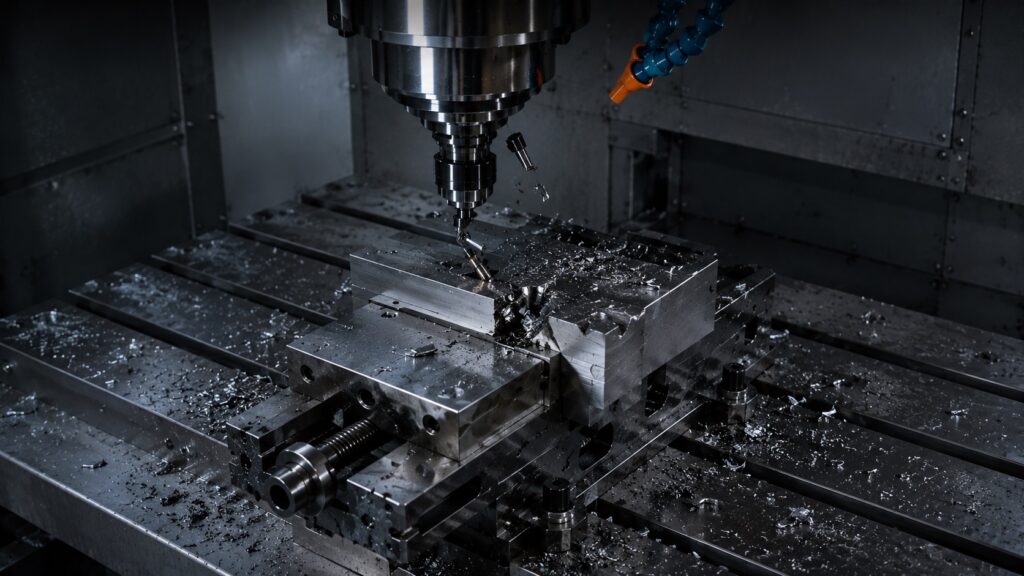
From real workshop experience, many crashes involving G91 happen because operators forget the control is still in incremental mode after:
- MDI testing
- probing routines
- canned cycles
- setup movements
- manual recovery operations
A very common scenario looks like this:
G91
G01 X1.0
Later, the operator runs:
X5.0thinking the machine will move:
- TO X5.0
But the machine actually moves:
- 5 inches FROM the current location
That can instantly destroy:
Most CNC crash situations involving G91 happen during unsafe restart procedures, incorrect MDI usage, or manual edits made after interrupted machining cycles. Many of these situations start with simple unsafe CNC programming mistakes.
- carbide end mills
- probes
- vises
- soft jaws
- tombstones
- fixtures
- spindle probes
In real shops, experienced programmers intentionally place:
G90multiple times throughout programs purely as crash prevention insurance.
G90 vs G91 in Real CNC Programs
Most CNC programs primarily run in G90.
However, many controls temporarily switch into G91 automatically during:
- canned drilling cycles
- retract movements
- cutter compensation logic
- subprogram repetitions
- probing macros
This is extremely common on:
- Fanuc
- Haas
- Mitsubishi
- Siemens
- Mazatrol post outputs
Many beginner machinists don’t realize their CAM software may switch between G90 and G91 internally several times during a single program.
That’s why reading posted G-code carefully matters — especially before running an unfamiliar post processor.
How CAM Software Uses G90 and G91
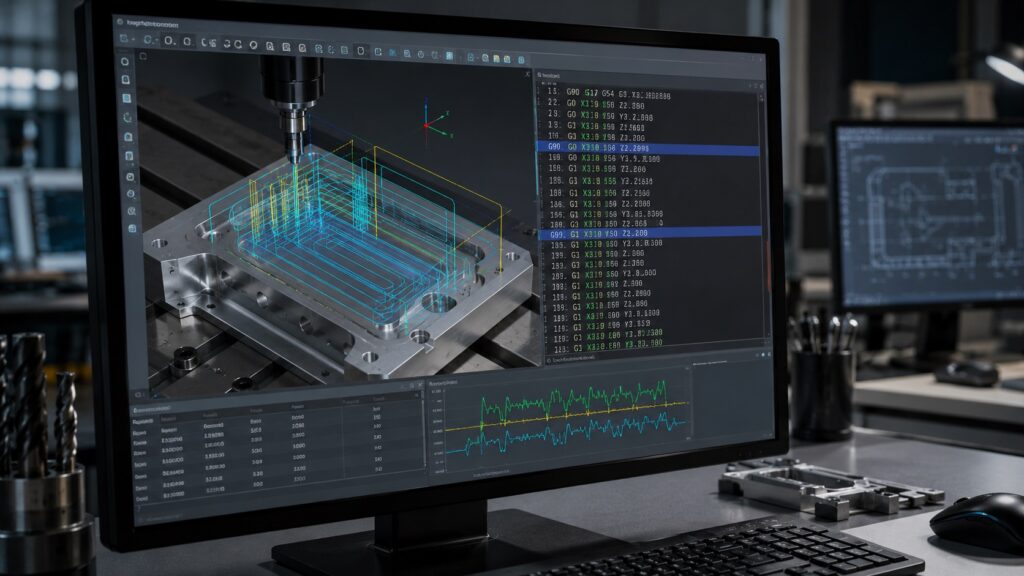
Modern CAM systems usually output:
If you’re new to CNC programming, learning how G-code structure works can help explain why CAM software constantly switches between G90 and G91 automatically.
- G90 for primary positioning
- G91 for efficiency-based movements
For example, CAM software may use incremental positioning for:
- repetitive Z retracts
- peck drilling
- arc transitions
- helical interpolation
- canned cycle optimization
In most cases, this improves code efficiency and reduces file size.
But during manual editing, these automatic transitions can confuse operators who are not expecting mode changes.
One common mistake machinists make is editing a single line without noticing the control switched modes several blocks earlier.
Safe Restart Techniques for G90 and G91
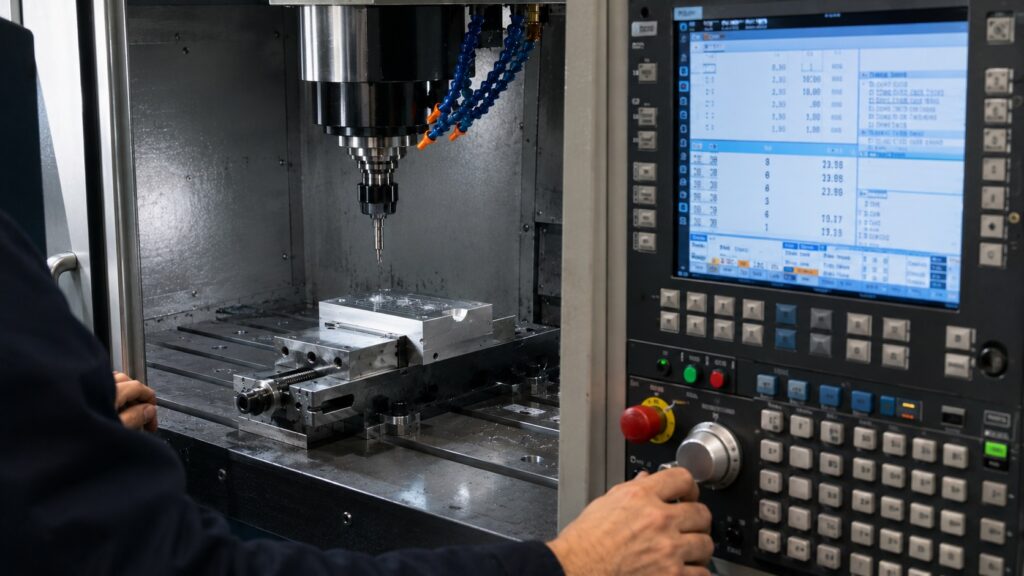
Safe restart recovery becomes much easier in absolute positioning.
With G90:
- coordinates remain predictable
- operators can restart from known locations
- setup verification is simpler
With G91:
- the machine position depends on all previous moves
- interrupted cycles become harder to recover
- operators may need to re-home or re-reference axes
In real production shops, restart mistakes happen most often during:
- tool breakage recovery
- insert changes
- power interruptions
- optional stop restarts
- setup prove-outs
A good habit is verifying:
Many experienced machinists also run dry-run verification passes above the part before restarting programs after tool changes or interrupted machining cycles. These dry-run verification procedures help reduce crash risk significantly.
- active work offset
- tool length offset
- machine coordinate position
- active positioning mode
- spindle state
- safe Z height
before pressing cycle start again.
Beginner CNC Positioning Mistakes
Forgetting Active Coordinate Mode
This is the most common problem.
Many beginners assume:
- the machine automatically resets to G90
Some controls do not.
Incremental Z-Axis Mistakes
This is where crashes become expensive.
Example:
G91
G00 Z-2.0
If the spindle is already close to the part surface, the machine may rapid directly into:
- fixtures
- clamps
- the workpiece
- the table
From real machine shop experience, incremental Z mistakes damage tools faster than almost anything else in beginner programming.
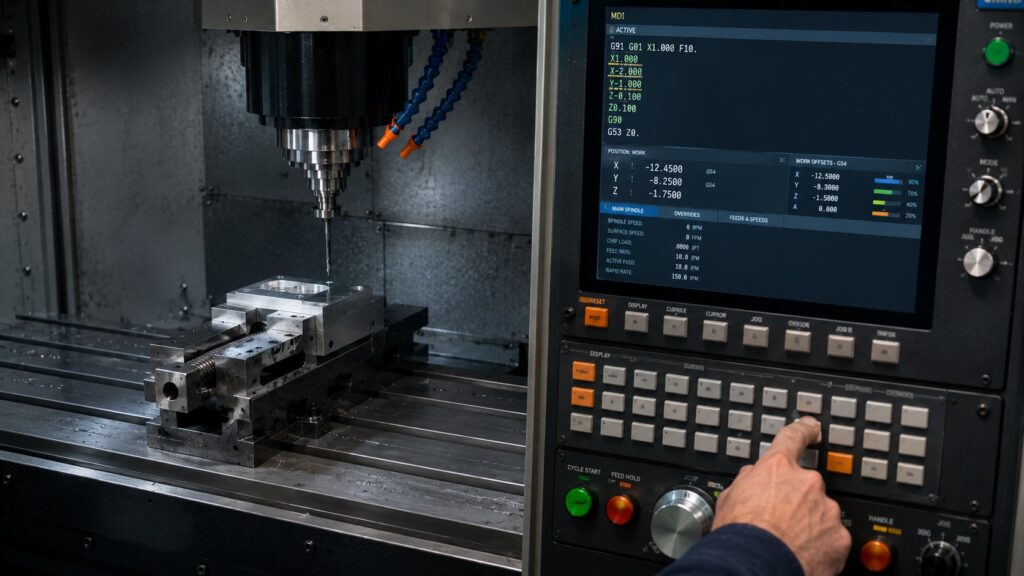
Mixing MDI and Production Code
Operators frequently:
- jog the machine manually
- test moves in MDI
- forget the machine remains in G91
Then they load production code expecting normal absolute movement.
That situation causes a surprising number of spindle crashes.
Incremental Positioning in Canned Cycles
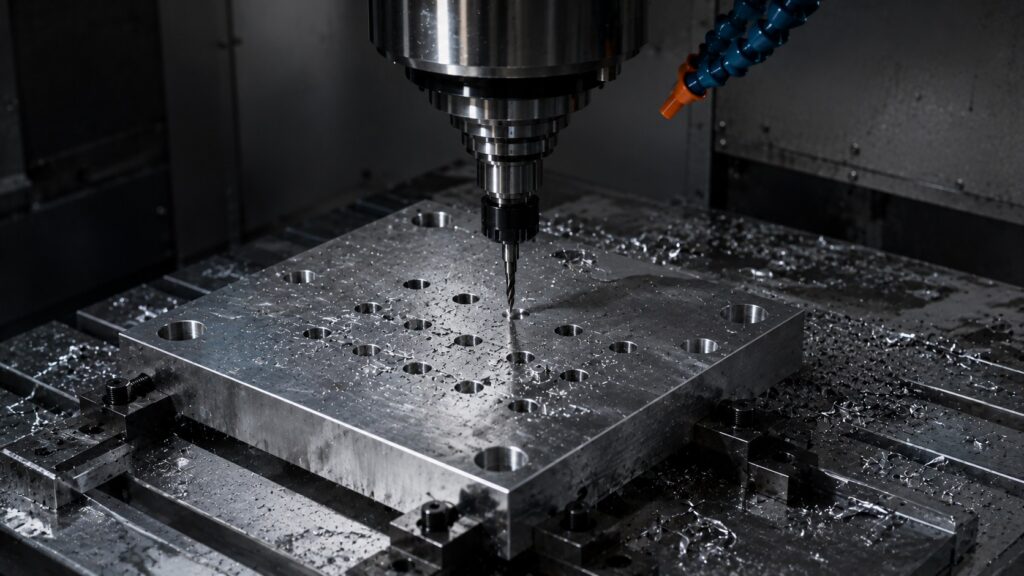
Many canned drilling cycles internally rely on incremental logic.
Examples include:
Understanding how peck drilling cycles work internally makes canned cycle troubleshooting much easier during deep-hole machining operations.
- G81
- G83
- G73
Some controls interpret retract distances incrementally depending on the cycle structure and return mode.
That’s why understanding G91 becomes important even if you rarely hand-write incremental code yourself.
Absolute vs Incremental Encoders: Similar Logic in Automation
The same positioning concept exists in industrial automation systems.
Absolute encoders retain true shaft position even after power loss, while incremental encoders track movement relative to a reference point.
This mirrors CNC positioning logic closely:
- absolute systems always know exact position
- incremental systems track relative movement changes
Modern automation systems often favor absolute feedback where:
- restart recovery matters
- positioning accuracy is critical
- homing time must be minimized
Industrial motion control systems use these same principles heavily in robotics and precision automation.
Professional CNC Programming Tips
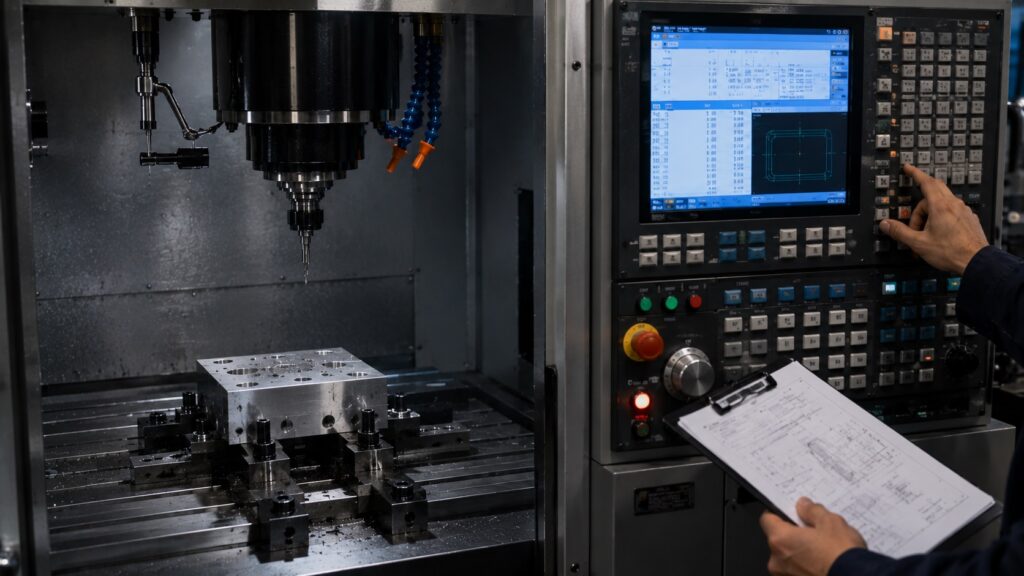
Always Declare G90 or G91 Explicitly
Never assume the machine is already in the correct mode.
Good programs clearly define:
- G90/G91
- work offsets
- plane selection
- tool length compensation
- cutter compensation state
near the beginning of the file.
Verify Safe Z Height Before Restarting
Before restarting:
- single block the first moves
- check machine position page
- confirm tool length offsets
- confirm active coordinate mode
- dry-run above the part if needed
This prevents many avoidable crashes.
Watch for CAM Post Processor Changes
Different post processors handle positioning logic differently.
Some aggressively optimize with G91 while others stay almost entirely in G90.
Always inspect:
- canned cycles
- retract logic
- subprograms
- probing macros
before running new post outputs on production parts.
FAQ: G90 vs G91 CNC Positioning Questions
Is G90 absolute or incremental?
G90 activates absolute positioning mode on most CNC controls.
Is G91 dangerous?
Not inherently, but forgetting the machine is still in G91 can easily cause crashes or positioning errors.
Why do CNC machinists prefer G90?
Because coordinates remain fixed relative to the work offset, making troubleshooting and restart recovery easier.
Can G90 and G91 appear in the same CNC program?
Yes. Most modern CNC programs switch between both modes depending on the operation being performed.
Why is G91 commonly used in canned cycles?
Incremental movement simplifies repetitive distances and retract logic during drilling and repetitive machining operations.
What happens if you restart a program in G91 accidentally?
The machine may move relative to the current location instead of the intended coordinate, potentially causing:
tool crashes
fixture damage
spindle overload
broken probes
ruined parts
Do all CNC controls use G90 and G91 the same way?
The overall concept is the same across most controls including Fanuc, Haas, Siemens, and Mitsubishi, although some canned cycles and macros may behave differently.
Final Thoughts on G90 vs G91 CNC Positioning
Absolute and incremental positioning are foundational CNC programming concepts, but understanding them properly goes far beyond memorizing:
- G90
- G91
The real skill is understanding how the machine interprets movement internally and how those positioning modes affect:
- setup safety
- restart recovery
- CAM output
- operator workflow
- crash prevention
From real machine shop experience, beginners usually learn faster with G90 because it directly matches print dimensions and fixture offsets.
Incremental positioning becomes more valuable later when:
- programming repetitive operations
- optimizing toolpaths
- troubleshooting canned cycles
- writing macros
- improving machining efficiency
Once machinists fully understand how G90 and G91 interact with work offsets, machine coordinates, tool offsets, and CAM-generated code, CNC programming becomes much easier to visualize and significantly safer to run.