
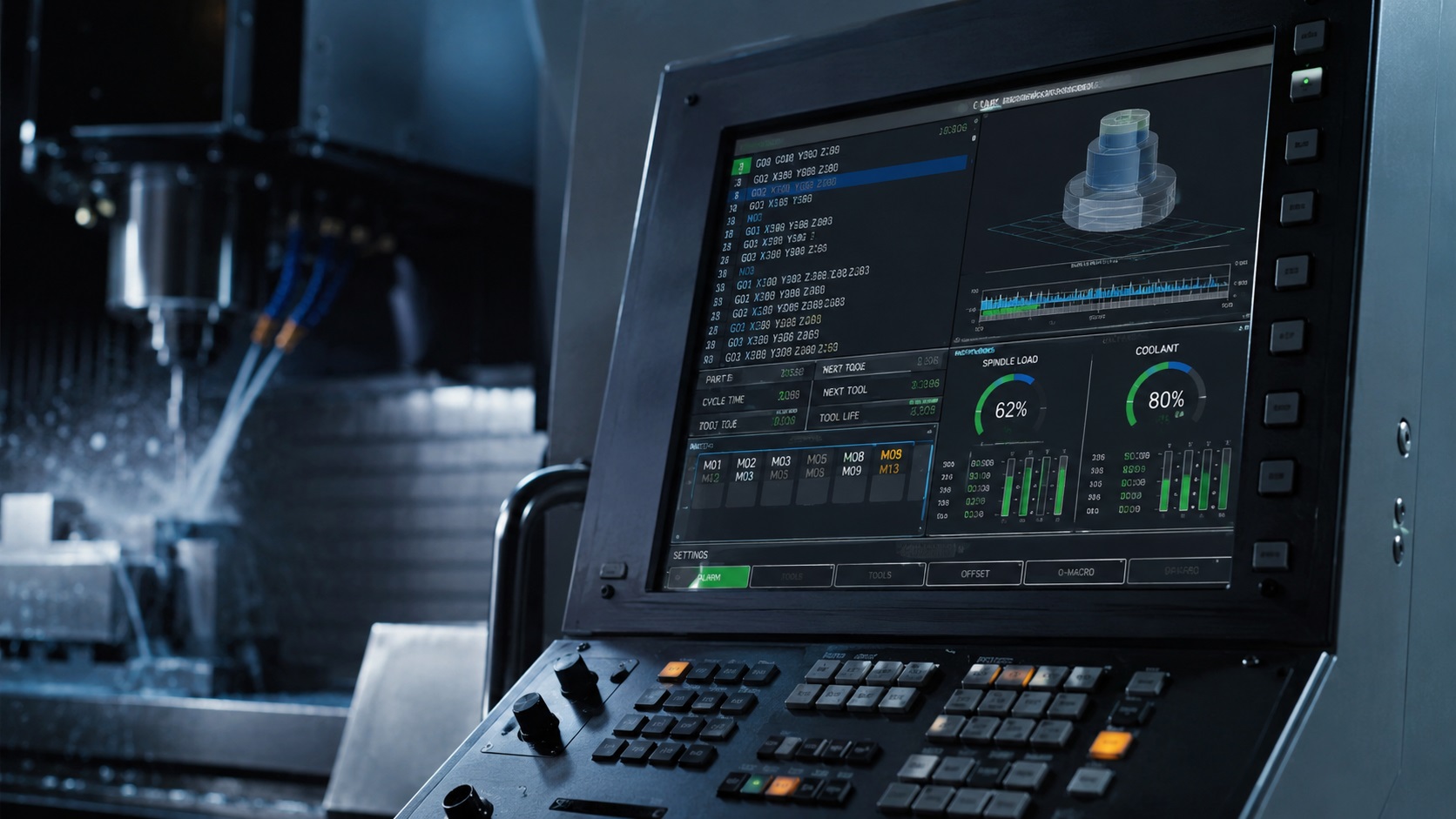
Most Common CNC M-Codes at a Glance
M-Code Cheat Sheet references help CNC machinists quickly understand spindle commands, coolant functions, tool changes, and common machine operations. Common examples include M03 for spindle clockwise rotation, M08 for flood coolant activation, M06 for automatic tool changes, and M30 for ending and resetting the CNC program.
What Are M-Codes in CNC Programming?
M-codes, short for “miscellaneous codes,” control the physical machine functions inside a CNC system. While G-codes mainly control machine movement and positioning, M-codes handle machine actions like spindle rotation, coolant activation, tool changes, pallet systems, and machine stops.
In real fabrication shops, machinists constantly combine G-codes and M-codes together. A spindle cannot cut material without the proper spindle command, and incorrect coolant timing can dramatically reduce carbide tool life during longer machining operations.
One thing beginners quickly notice is that M-codes are not always universal. Fanuc, Haas, Siemens, Mach3, and LinuxCNC controllers often share common core M-codes, but machine manufacturers frequently add custom functions for probing systems, pallet changers, or automation equipment.
If you are already learning G-code basics, understanding how M-codes interact with spindle speed calculation, coolant selection, and CNC tool offsets becomes much easier once you start reading real production programs. These are also some of the core skills beginners develop as they become a CNC machinist or programmer.
Complete M-Code Cheat Sheet Table
| M-Code | Function | Real Workshop Use |
|---|---|---|
| M00 | Program Stop | Full machine stop for inspection or setup |
| M01 | Optional Stop | Used between operations during setup runs |
| M02 | End of Program | Stops program execution |
| M03 | Spindle Clockwise | Standard milling spindle direction |
| M04 | Spindle Counterclockwise | Reverse spindle rotation for special operations |
| M05 | Spindle Stop | Stops spindle before tool changes |
| M06 | Tool Change | Automatic tool change command |
| M07 | Mist Coolant On | Light cooling during finishing cuts |
| M08 | Flood Coolant On | Heavy coolant flow during roughing |
| M09 | Coolant Off | Turns all coolant systems off |
| M19 | Spindle Orientation | Aligns spindle for tool changes or probing |
| M30 | End Program and Reset | Most common CNC program ending |
| M41 | Low Gear Range | Higher torque cutting operations |
| M42 | High Gear Range | Higher spindle speed operation |
| M48 | Override On | Enables feed and speed overrides |
| M49 | Override Off | Locks overrides during critical cycles |
| M56 | Chip Conveyor Forward | Clears chips during production |
| M67 | High Pressure Coolant On | Deep hole drilling or aggressive cutting |
| M98 | Subprogram Call | Repeats machining cycles automatically |
| M99 | End Subprogram | Returns to main program |
How M-Codes Control Real CNC Machine Functions
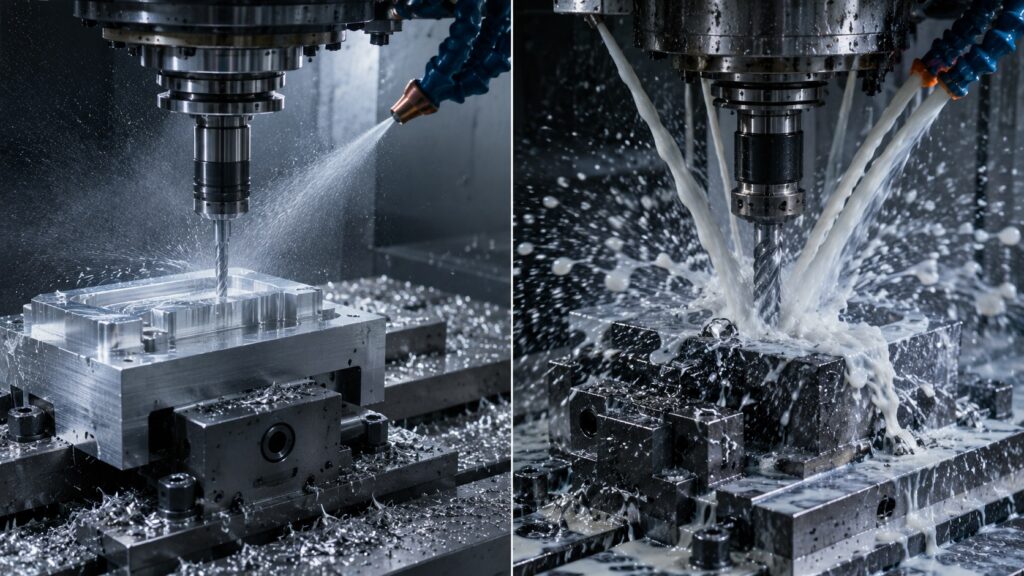
In real CNC shops, M-codes do far more than simply turn machine functions on or off. They directly affect spindle behavior, coolant timing, tool life, cycle efficiency, and even machine safety during longer production runs.

For example, many beginner operators accidentally activate spindle rotation before coolant flow during deep drilling operations. In tougher materials like stainless steel or titanium, that mistake can overheat drills extremely fast and damage expensive tooling.
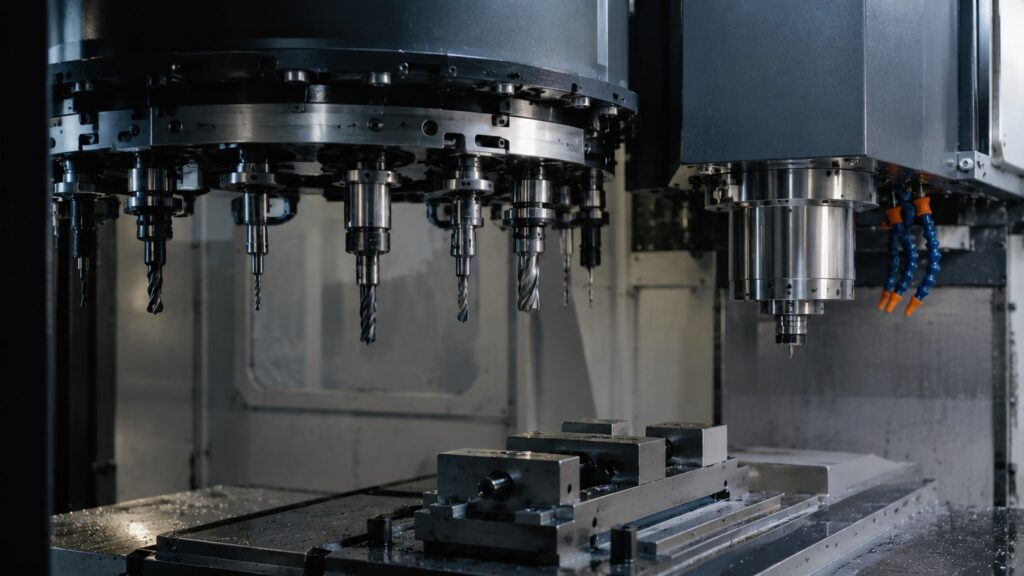
Another common issue appears during tool changes. If the spindle is still rotating because M05 was skipped or ignored by the controller, older CNC machines may throw alarms or fail to complete the tool swap correctly.
From real workshop experience, coolant timing alone can completely change insert life during roughing operations. Flood coolant activated slightly too late may allow chips to weld onto carbide inserts, especially during aggressive feeds and speeds in aluminum machining.
Machine operators also learn quickly that optional stop commands like M01 are useful during setup and first-part inspection, but they are usually disabled during full production runs to reduce unnecessary cycle time delays.
Example CNC Program Using Common M-Codes
%
O1001
T1 M06
G54
S2500 M03
M08
G00 X0 Y0
G43 H01 Z0.1
G01 Z-0.5 F20.
G00 Z1.0
M09
M05
G28 G91 Z0
M30
%
What This CNC Program Does
- M06 changes the tool automatically
- M03 starts the spindle clockwise
- M08 activates flood coolant
- the machining operation begins
- M09 shuts coolant off
- M05 stops the spindle
- M30 ends and resets the CNC program
This type of sequence is extremely common in real CNC milling programs. In many machine shops, operators visually verify coolant flow and spindle direction during the first setup run because incorrect sequencing can instantly damage tooling or scrap the part.
Common M-Code Mistakes in Real Workshops
Forgetting M09 Before Program End
Many beginners leave coolant running after the machining cycle finishes. While this usually does not damage the machine, it creates unnecessary coolant spray, increases cleanup time, and can leave coolant dripping onto fixtures or finished parts.
Using M03 Instead of M04
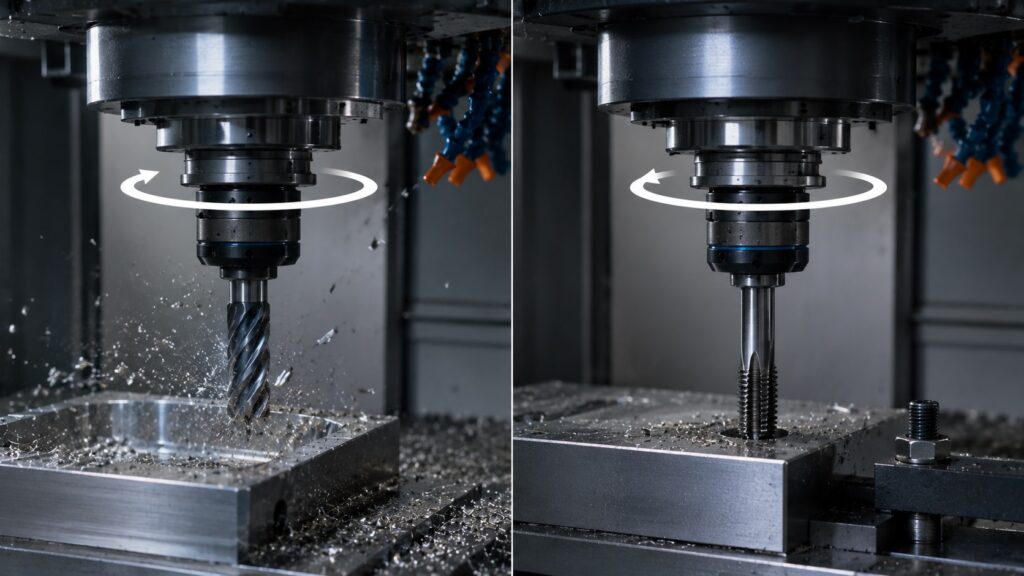
Wrong spindle direction is surprisingly common during tapping or certain lathe operations. The spindle may appear correct visually, but the tool can break almost instantly once cutting pressure is applied.
Missing M05 Before Tool Changes
Some CNC controllers automatically stop the spindle during M06 tool changes, while others expect M05 first. Older machines especially may generate spindle alarms if spindle rotation is still active during tool exchange.
Misusing Optional Stop (M01)
Many production shops disable optional stops completely during large production runs. Beginners often rely too heavily on M01 during every cycle, which unnecessarily increases machining time.
Fanuc vs Haas vs Mach3 M-Code Differences
Most CNC controllers share common M-codes like M03, M05, M06, M08, and M30. However, machine-specific behavior can still vary significantly depending on the controller and machine manufacturer.
Fanuc-based machines often use highly standardized industrial M-codes and are extremely common in production environments. Haas machines typically keep similar core functionality but sometimes include additional machine-specific commands for probing systems or automation features.
Mach3 and hobby CNC systems may support fewer industrial automation functions altogether. Some advanced M-codes for pallet changers, gear ranges, or chip conveyors may not exist on smaller machines.
One common beginner mistake is assuming every controller behaves identically. In reality, certain M-codes can behave differently depending on:
- controller settings
- machine builder customization
- PLC configuration
- optional machine hardware
- macro programming features
That is why experienced machinists always verify machine documentation before running unfamiliar CNC programs on a different controller platform.
Common Questions About CNC M-Codes
What is the difference between G-codes and M-codes?
G-codes mainly control machine movement and positioning, while M-codes control machine functions like spindle rotation, coolant systems, and tool changes.
Is every CNC machine using the same M-codes?
No. While many common M-codes are standardized, manufacturers frequently add custom machine-specific functions depending on the controller and machine design.
What does M30 do?
M30 ends the CNC program and resets the controller back to the beginning of the program.
What happens if M08 is missing?
The machine may run without coolant, which can quickly overheat tooling during aggressive cutting operations or deep drilling cycles.
Why do some programs use M01?
M01 creates an optional stop that operators can enable or disable during setup, inspection, or first-part verification.
Why Understanding M-Codes Matters in CNC Machining
An M-code cheat sheet is one of the most useful CNC programming references for both beginners and experienced machinists. While memorizing every M-code is unnecessary, understanding the most common spindle, coolant, tool change, and program control commands makes reading CNC programs dramatically easier.
In real machining environments, proper M-code usage affects far more than simple machine behavior. It directly influences tool life, machine reliability, part quality, and operator safety during production.
As you gain more CNC experience, you will naturally start recognizing common M-code patterns used across milling, turning, drilling, and automated production programs. Understanding those patterns is a major step toward becoming more confident with CNC machining and programming.
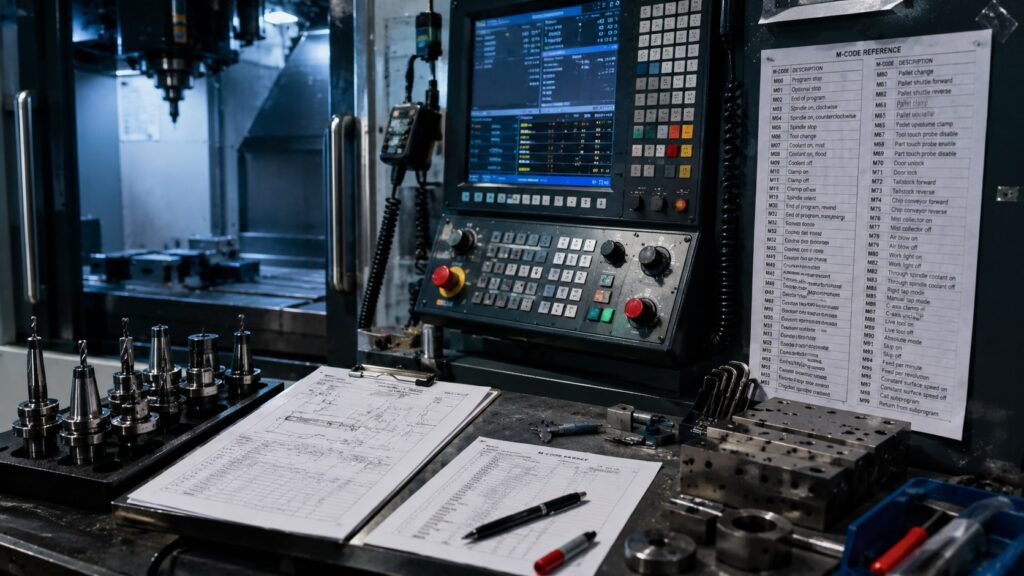
Many machinists eventually keep a printed M-code cheat sheet near the machine during setup and program verification, especially when learning unfamiliar controllers or older CNC systems.